How can I check downloaded files hashes?
Compare the output of your system utilities with the SHA256 or SHA512 values shown on the download page.
 Linux
Linux
sha512sum path/to/downloaded/file
or
sha256sum path/to/downloaded/file
 MacOS
MacOS
openssl sha512 path/to/downloaded/file
or
openssl sha256 path/to/downloaded/file
 Windows
From Command Prompt or PowerShell:
certutil -hashfile path\to\downloaded\file SHA512
or
certutil -hashfile path\to\downloaded\file SHA256
Optionally, download our Hash Calculator.
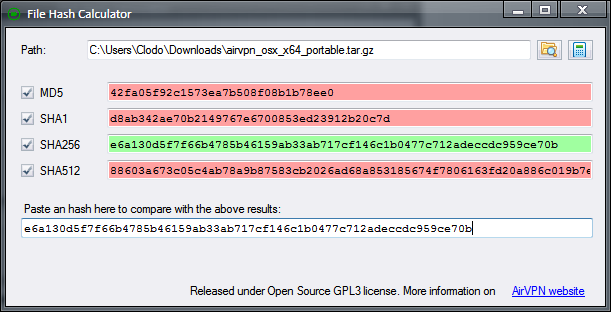
Released as free and open source software under GPLv3. github.com source repository. Requires .NET Framework 4 or above.